With the Notes app, already on your iPhone
- Open Notes and create a note.
- Tap the camera button, or the paper clip depending on your version of iOS, then “Scan Documents”.
- Frame the sheet: the iPhone finds its edges and takes it by itself. Add more pages if needed, then tap “Save”.
- To send it as a PDF, open the scan in the note and tap the share button.
It is free, with no account and no ads. The scan stays in the note, and follows your notes in iCloud if they are there.
With the Files app
In Files, tap the three dots at the top of the screen, then “Scan Documents”. The PDF is saved in the folder you are in: handy for filing a document as soon as it is scanned.
With a free app: QuickScan
If you would rather have a separate app, “OCR Text Scanner: QuickScan” is free, has no ads, and reads the text on the pages too; its in-app purchases are donations that unlock nothing. Still, check its price on the App Store before installing it: it can change.
What Scan Cam adds
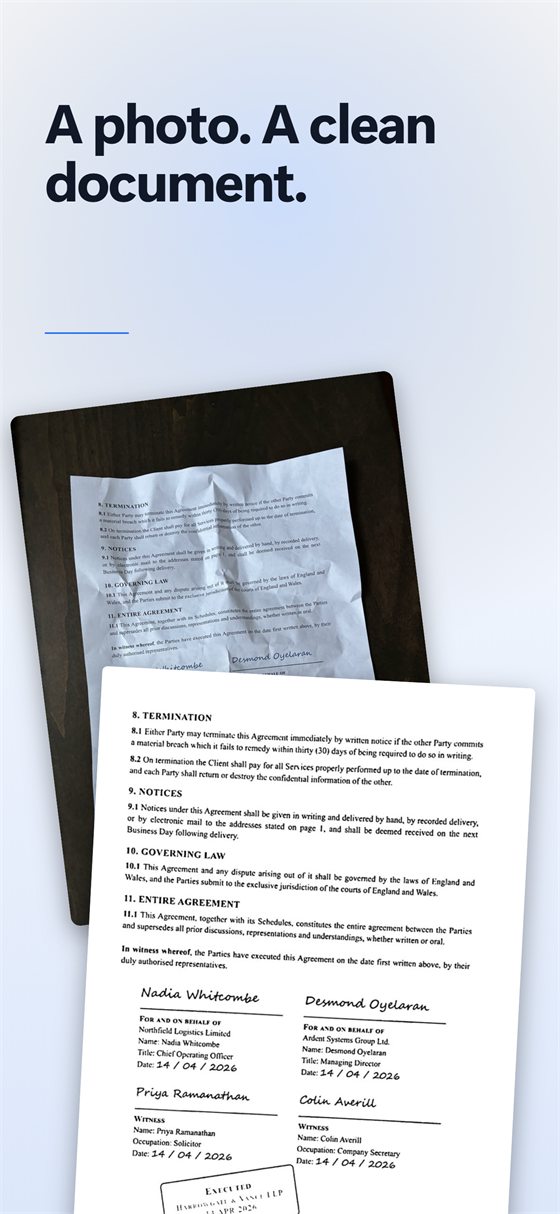
Scan Cam is free to download, and scanning, folders, filters and PDF export are free in it, with no time or page limit. It is worth it if you scan often: a library sorted into folders, clean and sharp pages, several pages put in order in a single PDF, and a copy of your documents in your own iCloud.
Free or Pro? Everything described here is free in Scan Cam. The Pro subscription adds signing, text extraction, watermarks, merging and Word or Excel export, and removes the small “Scanned with Scan Cam” line from PDFs; it starts with a 7-day free trial.
In short
- A scan now and then: the Notes app or the Files app is enough.
- A separate free app: QuickScan.
- Lots of documents to scan, file and find again: Scan Cam, free for the essentials.
Try Scan Cam
Scan Cam is free to download. Scanning, folders, filters and PDF export are free with no time limit; the Pro subscription adds the extra tools, and starts with a 7-day free trial.
Download on the App Store