Create your signature
- Open the document and tap Signature in the row of tools.
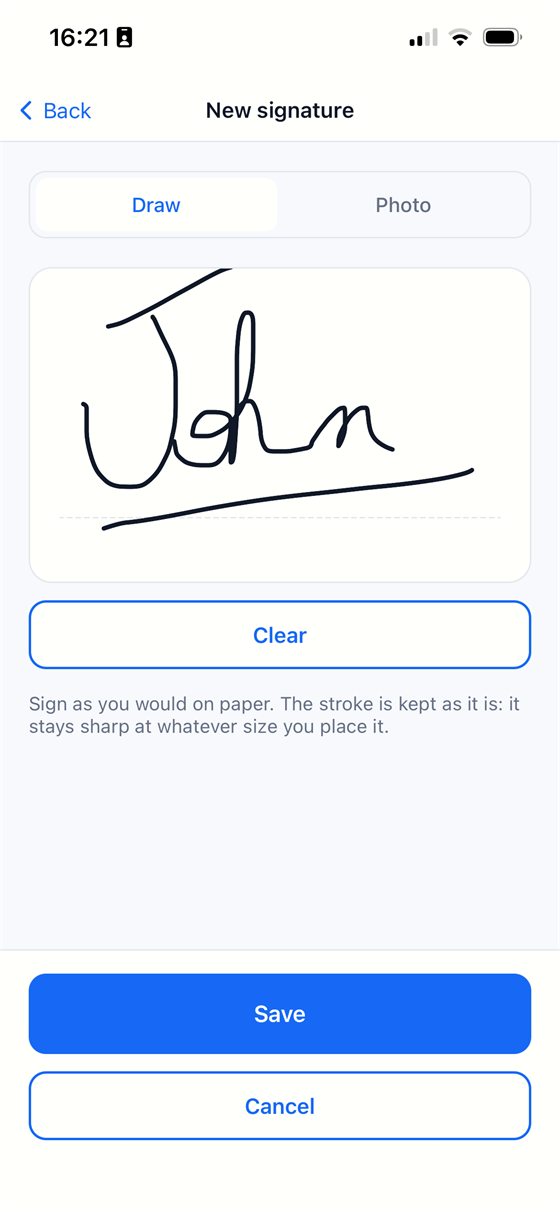
- Tap New signature.
- Choose Draw and sign with your finger above the line, or choose Photo and photograph your signature written on a sheet of paper. With a photo, pull the corners of the rectangle around the signature, then adjust the slider until only the stroke is left, with no grey haze.
- Tap Save. Your signature is kept for your next documents.
Place it on the page
- Choose the page you want to sign.
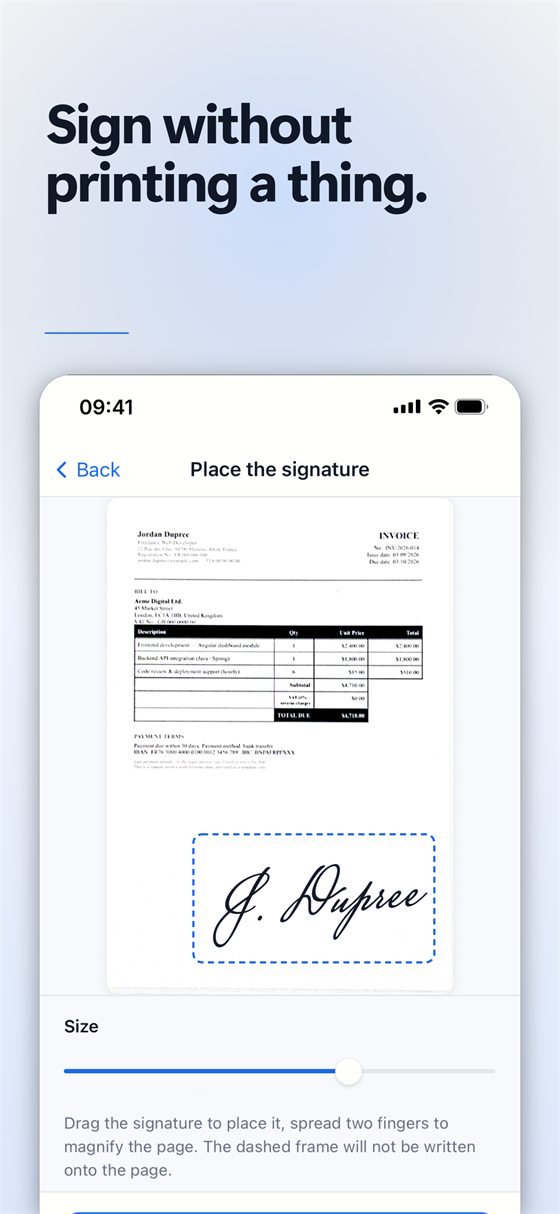
- Drag the signature where it belongs. Spread two fingers to magnify the page and place it precisely.
- Use Size to make it bigger or smaller. The dashed frame helps you position it and is not written onto the page.
- Tap Done. The signature is written onto the page and the PDF is rebuilt around it.
Make a copy first. The signature is written into the document itself. If you want to keep an unsigned version, copy the document from the library before signing, then sign the copy.
Send the signed document
Tap Share, choose PDF, and send it by mail or message, or save it to the Files app.
Free or Pro? Signing is part of the Pro subscription, which starts with a 7-day free trial; cancelling before the end of the trial costs nothing. Pro PDFs also have no “Scanned with Scan Cam” line.
Good to know
- You can keep several signatures and pick the one you want each time; delete one from the same screen if you no longer need it.
- A drawn signature is kept as a stroke, so it stays sharp at whatever size you place it.
- A signature drawn on a phone is an image on the page. Some contracts and administrations require a certified electronic signature: check what the recipient accepts.
Try Scan Cam
Scan Cam is free to download. Scanning, folders, filters and PDF export are free with no time limit; the Pro subscription adds the extra tools, and starts with a 7-day free trial.
Download on the App Store